Step 1: add your PDF quote
Keep making quotes your way: Clozup takes the PDF as is.
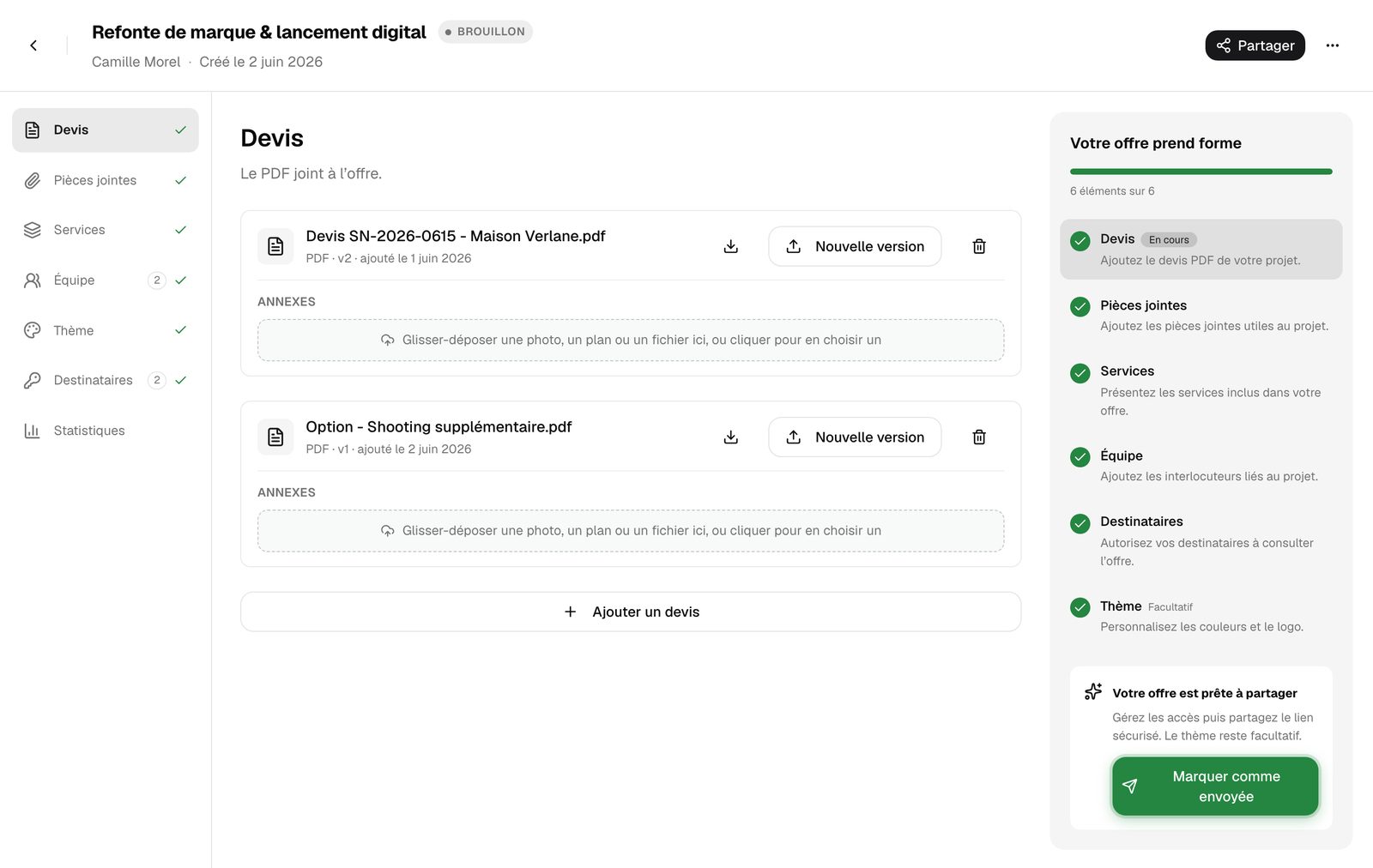
- 1Import the PDF
Click "Import a PDF" and pick the file on your computer.
- 2Add an option if needed
"Add a quote" lets you offer several quotes in the same proposal, for example a base package and a full package.
- 3Drop in the annexes
Under each quote, drop a photo, a plan or a file into the "Annexes" area. They stay linked to that quote.
Your quote changed? Use "New version" instead of deleting the quote: the version is updated (v2, v3…) and your client always sees the latest one.