What your client sees
No account, no password: an email and a code are enough. The screenshots below show the standard client space.
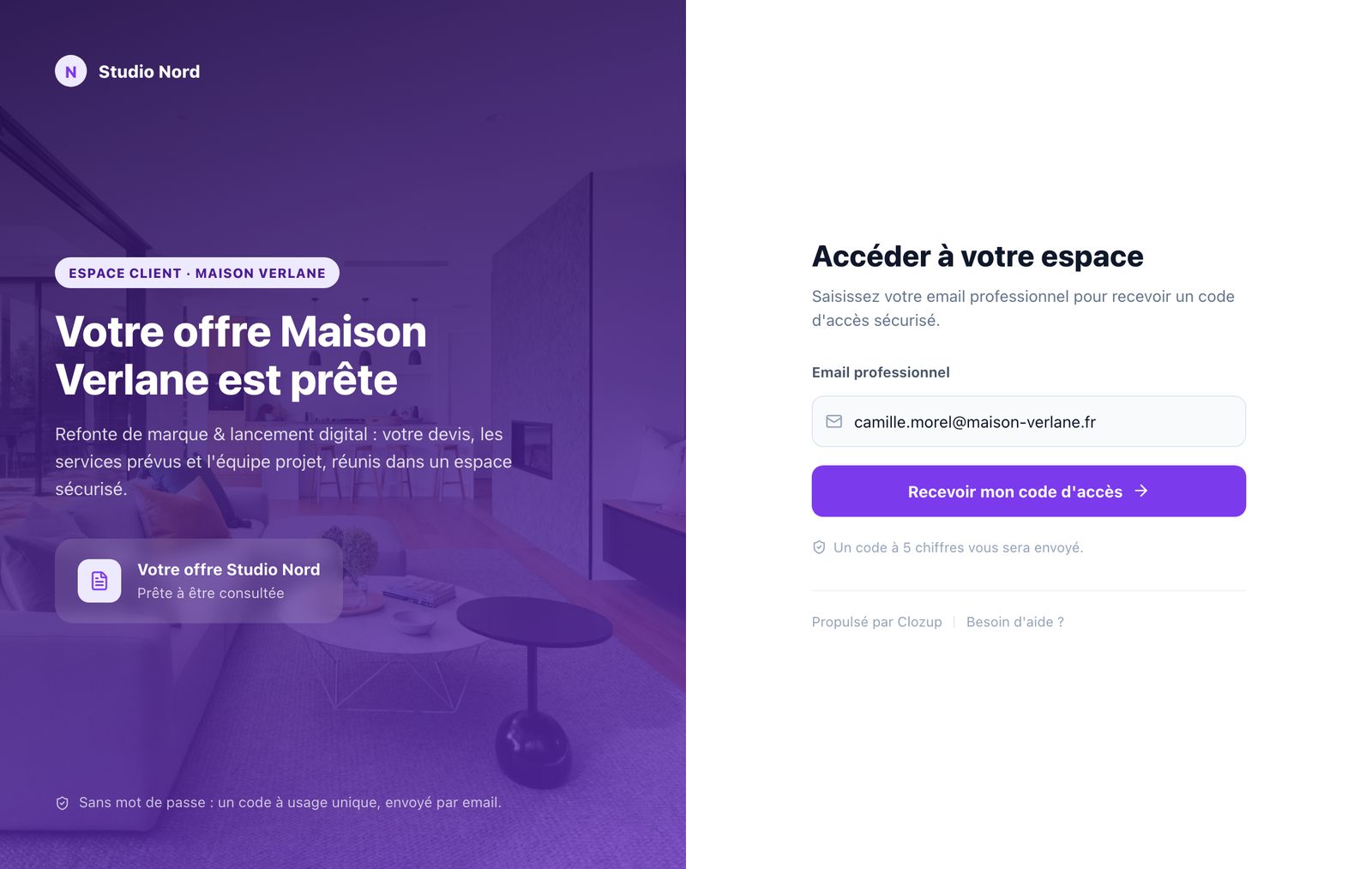
- 1Your client opens the link
They enter their email address. It must be one of the proposal's authorized recipients.
- 2They get a code by email
A 6-digit code, valid for 10 minutes. They can ask for a new one if needed.
- 3They open the proposal
Once signed in, they keep access for 48 hours in that browser. After that, they just request a new code.
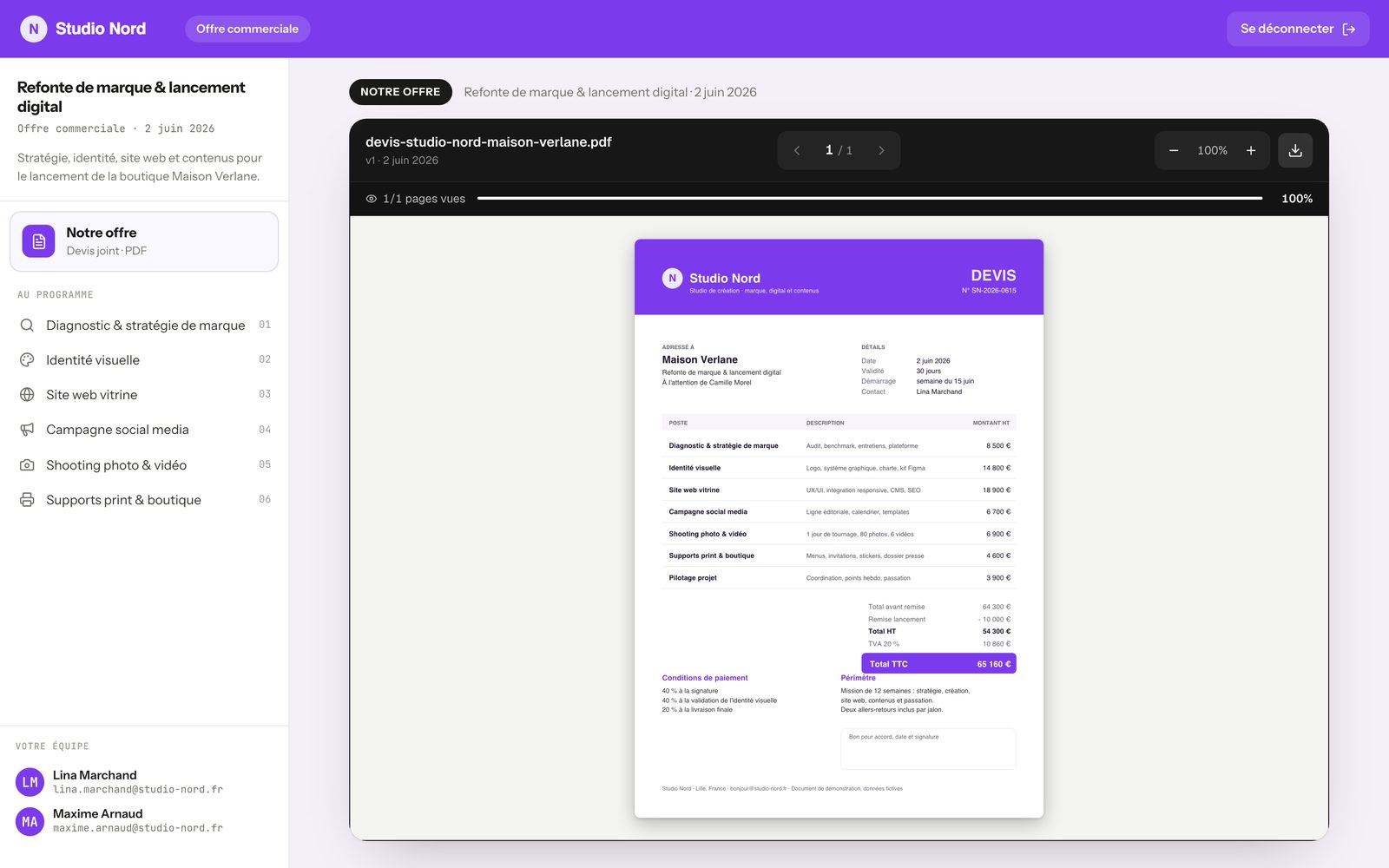
In their space, your client finds:
- the quote, readable right in the browser, with its annexes and a download button;
- the services you chose, in the left-hand menu;
- your team members and their email;
- a sign-out button, top right.