Manage your clients: companies and contacts
Your clients are organized by company.
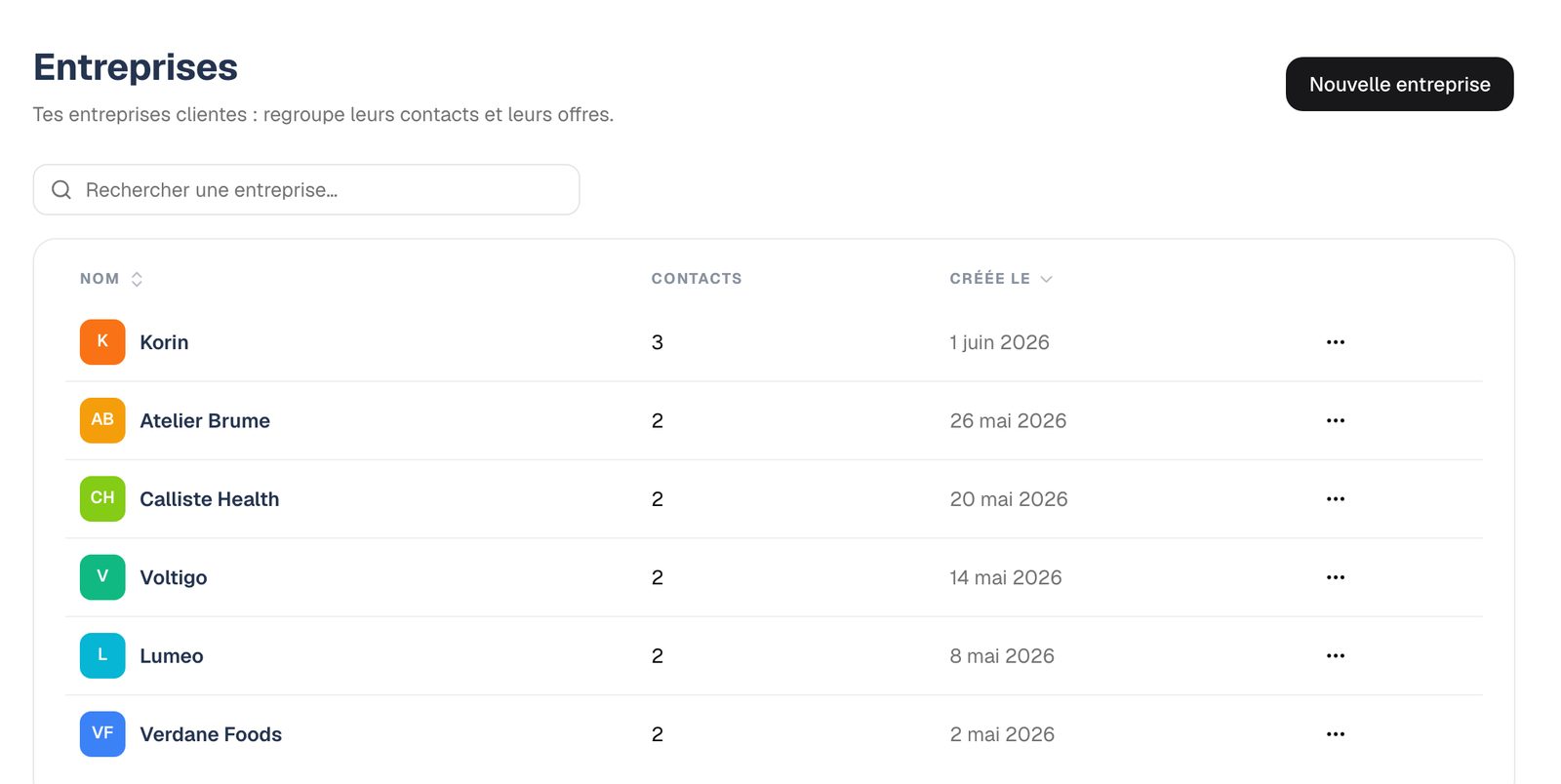
- Create a company with "New company" and add its logo.
- On the company page, add its contacts one by one, or import them from a CSV file with the firstname, lastname and email columns (job is optional). A sample file is provided.
- You can also create a client on the fly from a proposal's Recipients step.