Find and manage your proposals
The Proposals menu lists all your proposals, newest first.
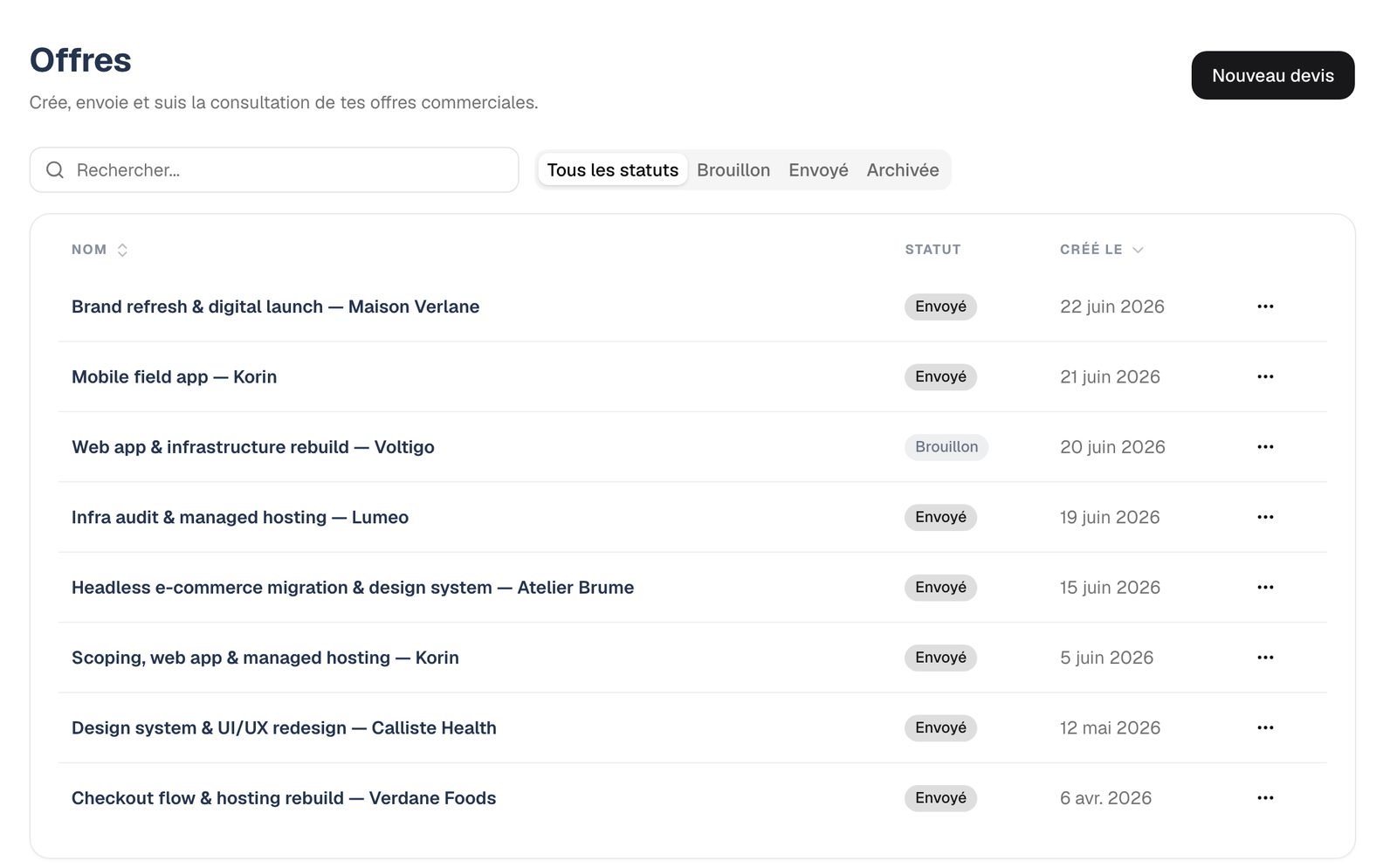
Each proposal has a status:
- Draft
- The proposal is being prepared. You can change everything.
- Sent
- You've indicated the proposal has gone out to the client. You mark it as sent yourself, in one click.
- Archived
- The proposal is put away. It no longer shows under "All statuses", but you'll find it with the "Archived" filter and can unarchive it.
The "…" menu at the end of each row lets you edit the title and description, mark the proposal as sent, archive it or delete it.